Owner
On the phone, anywhere
- Takings and profit, live
- Every receipt and job, with the time
- Who clocked in and when
- Discounts and cancelled receipts, named
Daftar · Pharmacy
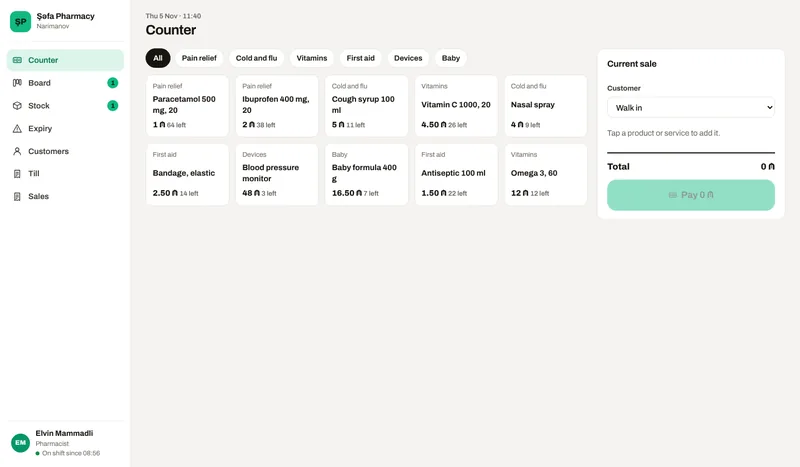
Thousands of items, each batch with its own expiry date, and customers who ask for what is not on the shelf. Daftar puts the counter, the work, the stock, the staff and the money in one place, with the owner’s view on the phone.
01How it runs
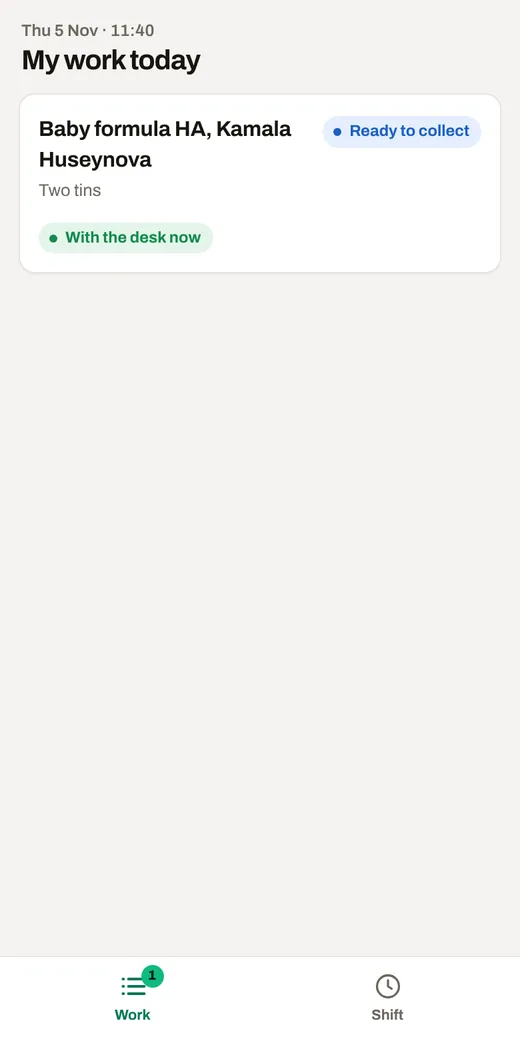
Each step is a screen in the demo, used by the person who does that step.
The wholesaler’s delivery, with batch and expiry for every line.
The counter sells the oldest batch first.
Not on the shelf: ordered from the wholesaler, the customer told when it is in.
Anything inside 60 days shows first, in time to return it.
Till count and Z report.
02Who sees what
Each opens the same demo from a different side.
On the phone, anywhere
On a computer or a tablet
On their own phone
03Follow one job
Open the demo and follow these steps. Switch the role and the device at the top of the demo.
As pharmacist, start where your day starts.
As assistant, see your work on the phone and finish a step.
Sell something at the counter and see the receipt.
As the owner, see the takings, every action with its time, and who is in.
Ask your business a question.
What is in it
Price
30 to 499 AZN a month
One person with the counter starts at the low end. Several branches with every module and integration sit at the top. Tell me about the business and I will send you an exact price.
What moves the price
hello@arustamov.dev · +994 55 993 17 11
Other business types